

Watch it work
Research YouTube videos like documents
Paste a video URL or a playlist, ask questions across every transcript at once, and jump straight to the moment something was said — every answer cited back to the source. Built for researchers, instructors, and teams. See the whole flow in 90 seconds.
Your AI workspace
Your multi-video research companion
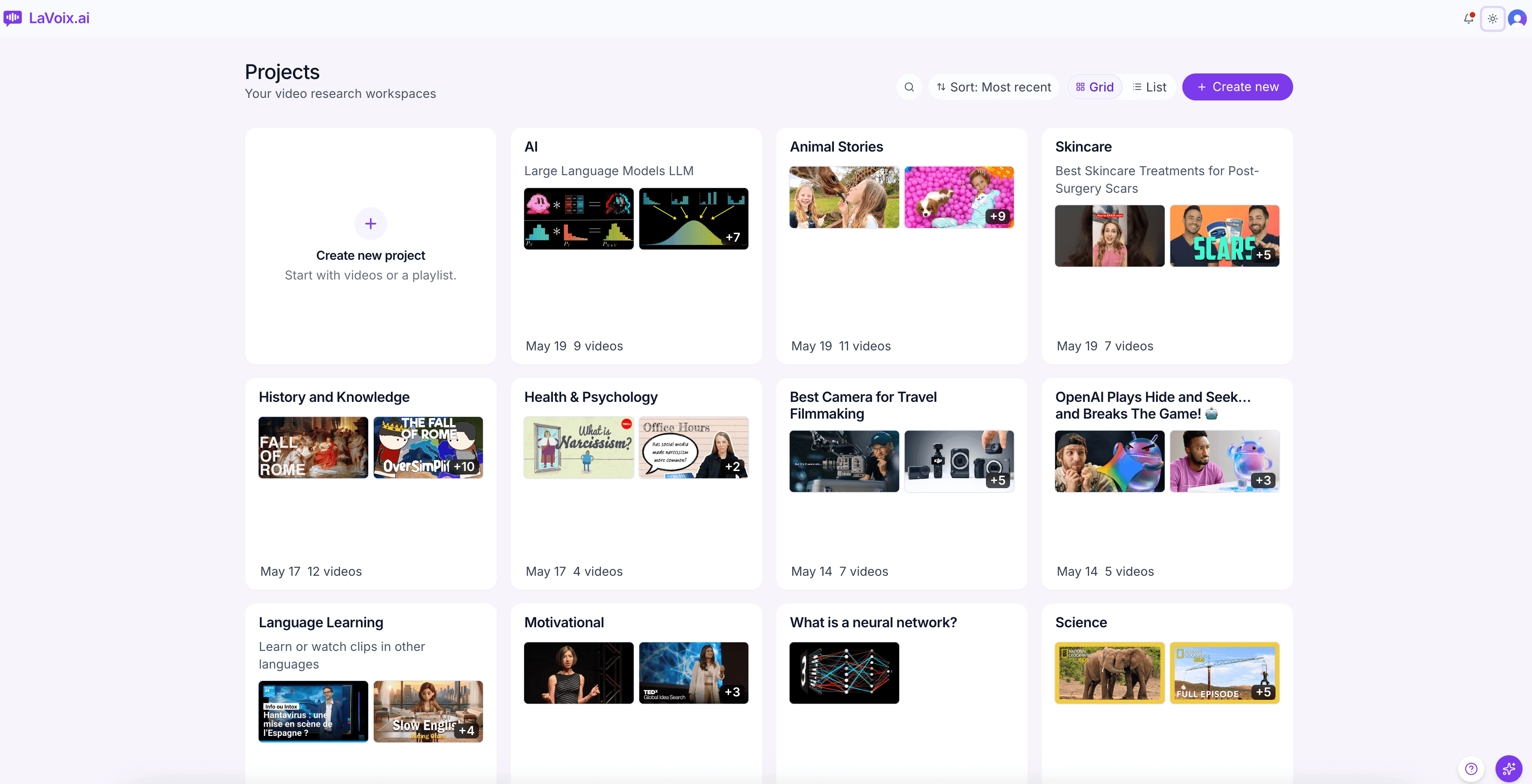
Every project you start lives in one centralised library — videos, transcripts, questions, and citations all organised by research thread. Open a project to dive deep; the homepage keeps the bird's-eye view of everything you're working on.
Add a video
Paste a URL, and we'll do the rest
Drop in any YouTube link. LaVoix.ai fetches the transcript, indexes it word-by-word, and has it ready to query — usually in under a minute. No manual transcription, no uploading files, no API keys.
Add a playlist
Or pull in an entire playlist at once
Researching a course, a podcast series, a creator's back-catalogue? Paste a playlist URL and every video lands in your project ready to search across. The whole batch indexes in parallel.
Multi-video intelligence
Ask one question across every video at once
Every answer is grounded in your project's transcripts and cited back to the exact timestamp. Click a citation to open the source — the video plays from that moment with surrounding transcript context already on screen.
Timestamped citations
Click any citation to jump to the source
Every answer is tied back to a specific moment in a specific video. Click any citation to jump to the exact moment in the source video — with surrounding transcript context already on screen so you can verify or dig deeper in one step.
Find the exact words
Word-level search across multiple transcripts at once
Sometimes you don't want an AI answer — you want to find the literal phrase. LaVoix.ai's transcript search jumps you to every occurrence across every video in the project, with the matching word highlighted on the timeline.
Screenshot taken in LaVoix's dark mode.